
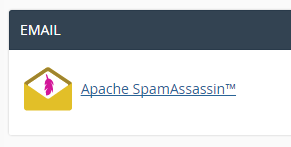
Log into your cPanel account, and select the "Apache SpamAssassin" icon.
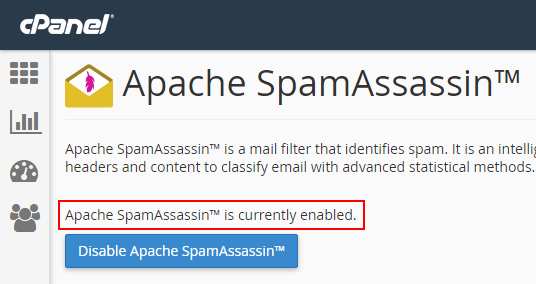
Once you have clicked on the SpamAssassin icon, just look for the text that states whether SpamAssassin is enabled or not.
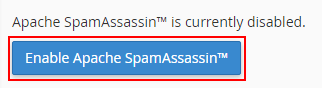
If SpamAssassin is not enabled, simply click the "Enable SpamAssassin" button:
SpamAssassin will then be switched on.
If SpamAssassin is enabled, an alternative button will appear which allows you to disable SpamAssassin.
0 Comments